What you need
- A Windows 10 or 11 PC (64-bit) that can stay on while people play
- About 20 GB of free disk space
- 16 GB of RAM or more is best; small maps run on 12 GB
- A wired internet connection if you can, since Wi-Fi adds lag for everyone
Install, host and shape a Rust server from one desktop app. Friends join by name, you decide who gets in, and wipe day takes a single click.
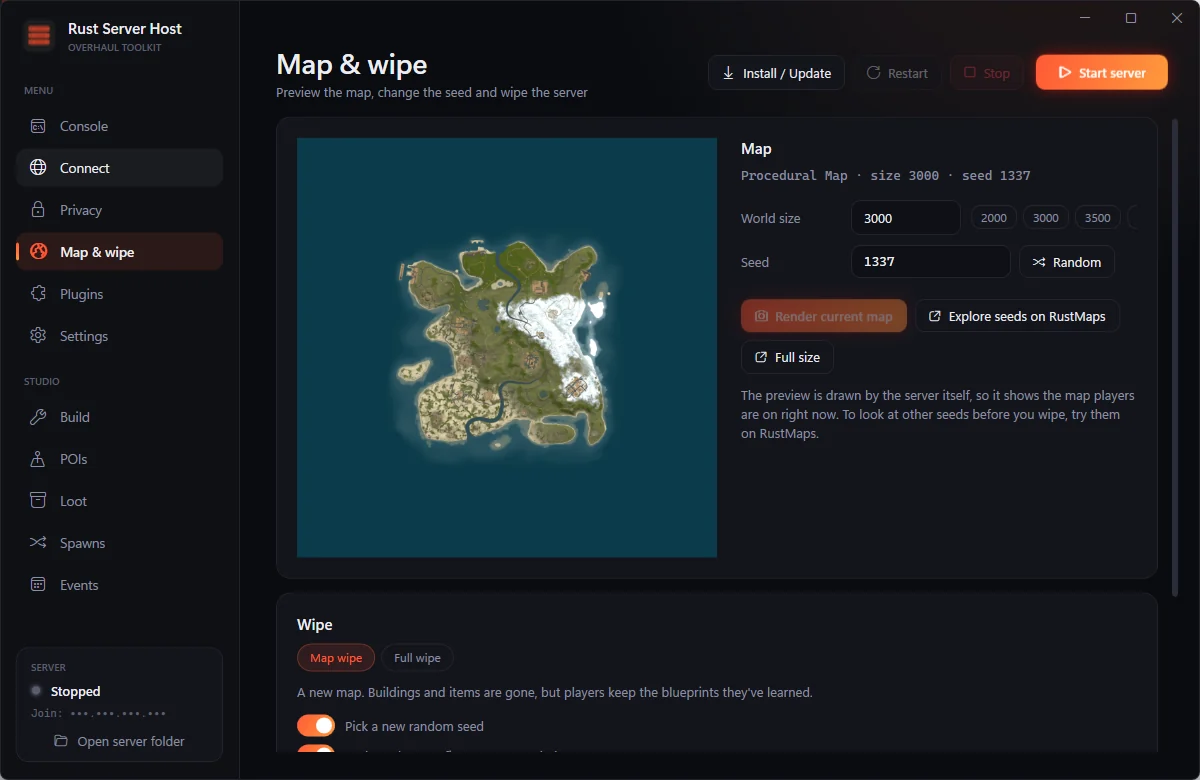
Custom domains through DuckDNS, Cloudflare or No-IP, and router ports opened for you.
PrivacyWhitelists, a hidden-listing switch, and relay support so players never see your IP.
StudioPlace points of interest in game, tune loot tables, spawn rates and scheduled events.
One key unlocks everything. Setup takes about as long as the server download.
No batch files, no config archaeology. The app installs the server with SteamCMD, adds Carbon for plugins, and gives every job its own page.
Give players client.connect play.yourserver.com instead of an IP. The app keeps the name pointed at your PC even when your home IP changes.
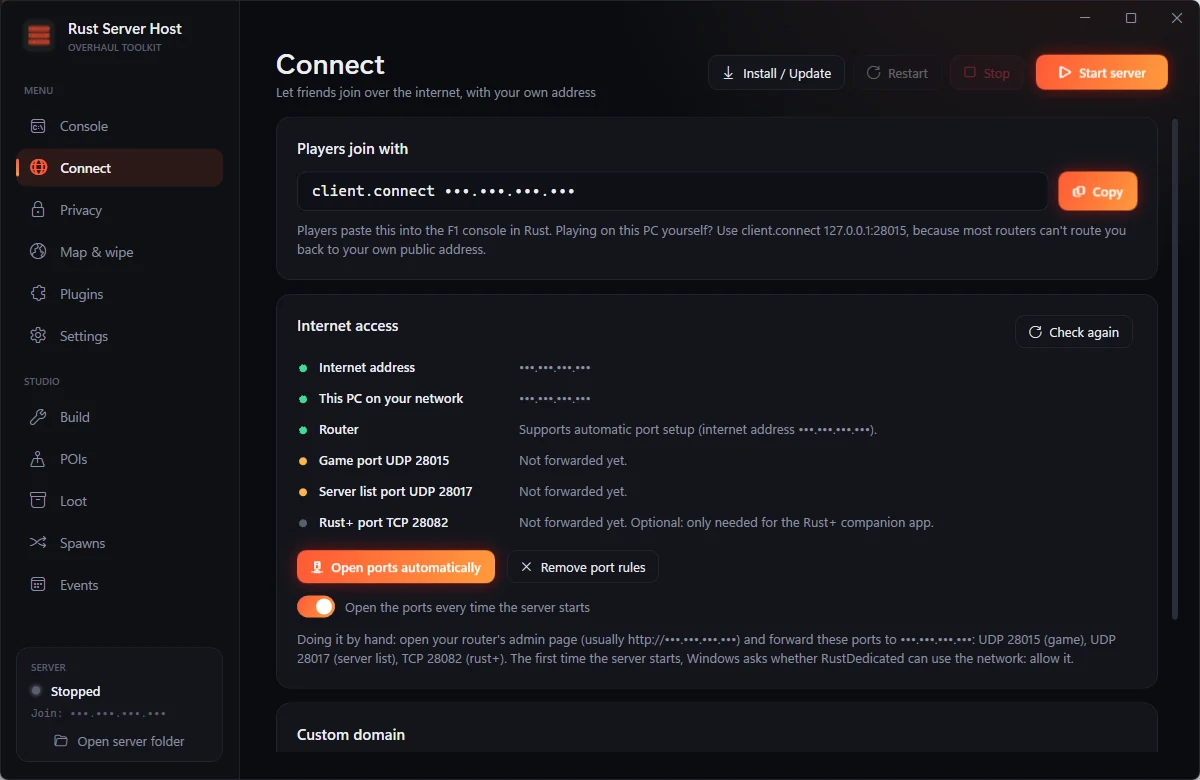
Run a whitelisted server for your group, or a public one listed in Rust's browser. Switch between them live, with no restart.
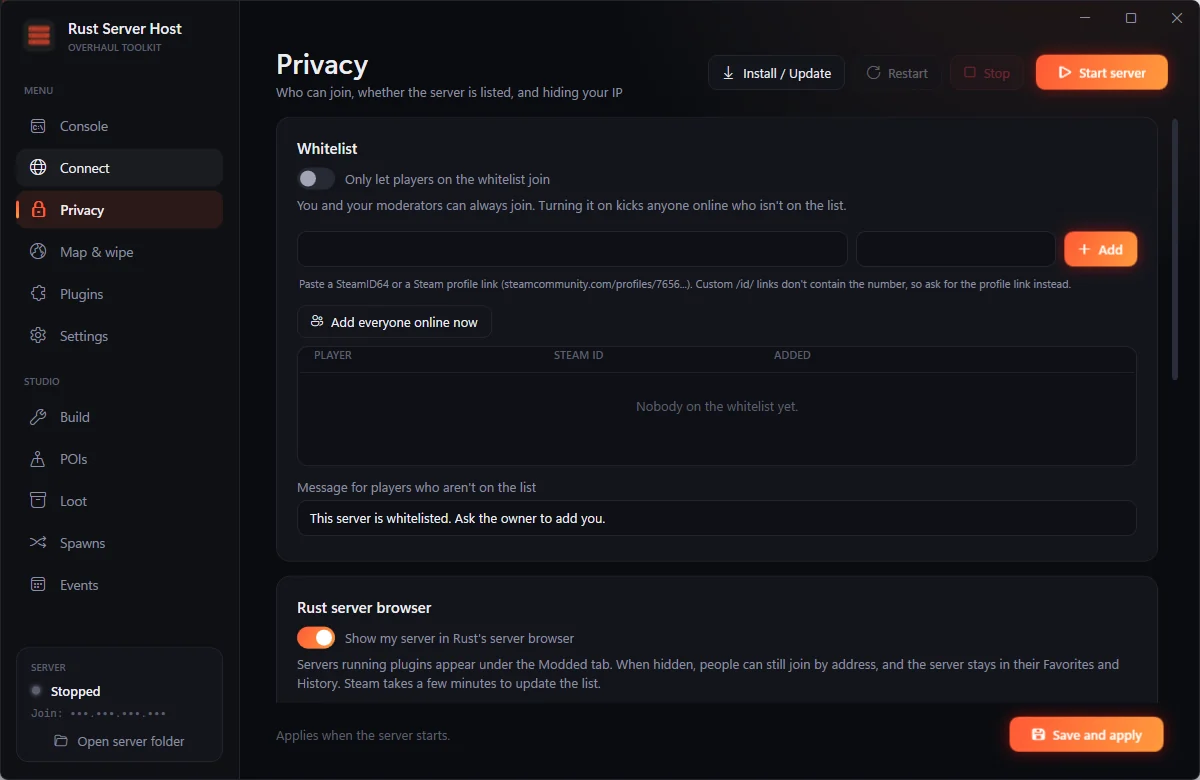
The server draws its own map, so the preview is exactly what players spawn into. When it's time for a fresh start, pick a map wipe or a full wipe.
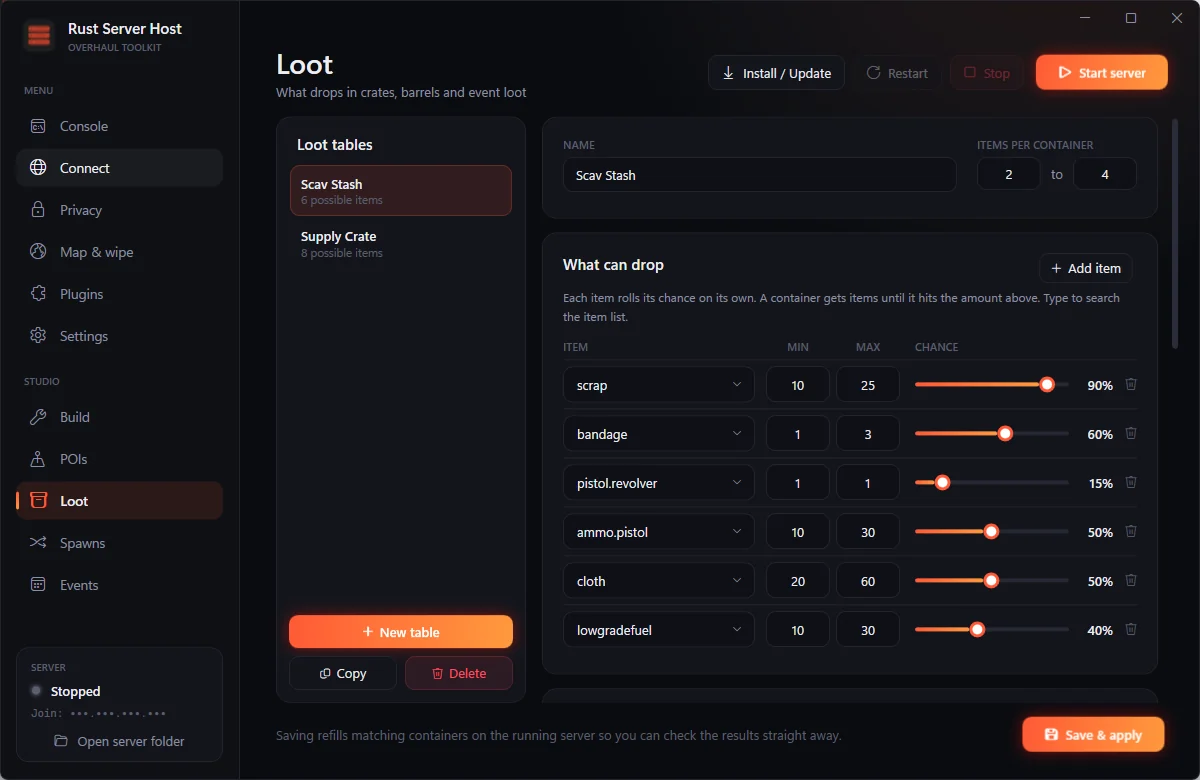
Stand in the world and build. Place Rust's own prefabs, save them as points of interest, and control what spawns, what drops and when events fire.
SteamCMD downloads the Rust server and Carbon is added on top. Update both with the same button.
Server output as it happens, commands over RCON, and players, FPS, entities and uptime at a glance.
Drop in Carbon or Oxide plugins, reload them live, and sync changes from your own folder automatically.
Every plan unlocks the whole app on one PC. The only difference is how long it lasts.
Checkout is handled by Gumroad. Your license key and the download link arrive in your receipt email, and stay in your Gumroad library.
Follow these steps in order. Most people are playing on their own server within 30 minutes, and most of that is the server download.
Download the installer from your Gumroad receipt email, or from your library on gumroad.com, and run it. It installs for your Windows user only, so it doesn't need administrator rights, and it adds a desktop shortcut.
If Windows shows "Windows protected your PC", click More info, then Run anyway.
The first time the app opens, paste the license key from your Gumroad receipt and click Activate. The key is locked to this PC. The app checks it every few hours and keeps working offline for up to 7 days.
Click Install / Update at the top of the app. It downloads the Rust dedicated server from Steam (around 10 GB) and adds Carbon, which lets the server run plugins. Use the same button whenever Rust updates.
Click Start server. The first start builds the map, which takes a few minutes. When the status in the bottom-left corner turns green and says Online, open Rust, press F1 and enter:
client.connect 127.0.0.1:28015Windows asks whether RustDedicated can use the network the first time. Allow it, or friends won't be able to connect.
Owners get admin commands and the in-game Studio tools. Find your SteamID64 (the 17-digit number in your Steam profile link, starting with 7656). Paste it into Settings, under Your SteamID64 (owner), and click Save settings. Disconnect and join again to pick it up.
Open the Connect page and click Open ports automatically. Most home routers allow this. Then click Copy next to the join command and send it to your friends.
A name like play.yourserver.com is easier to share than an IP, and it keeps working when your home IP changes. On the Connect page, under Custom domain, pick one:
Click Save and update. The app keeps the name pointed at your PC while it's open.
The Privacy page controls access. Click Save and apply after any change.
On the Plugins page, click Add plugins and pick the .cs files. They load straight away while the server runs. Most Carbon, Oxide and uMod plugins work as they are. Browse more in the marketplace.
Facepunch forces a wipe on the first Thursday of every month. On the Map & wipe page, choose Map wipe (players keep their blueprints) or Full wipe (everything resets), then click Wipe now. The app backs up your save, rolls a new seed and restarts the server.
Still stuck? Contact support.
Buy plugins from the community, or sell the ones you've written. Every listing is reviewed before it goes on sale.
Written something other servers would pay for? List it here. You set the price, we handle checkout and delivery.
Only verified buyers can leave a review, so every rating here comes from someone running the app.
Most answers are in the FAQ. If yours isn't, reach out and include your app version (it's on the Settings page).